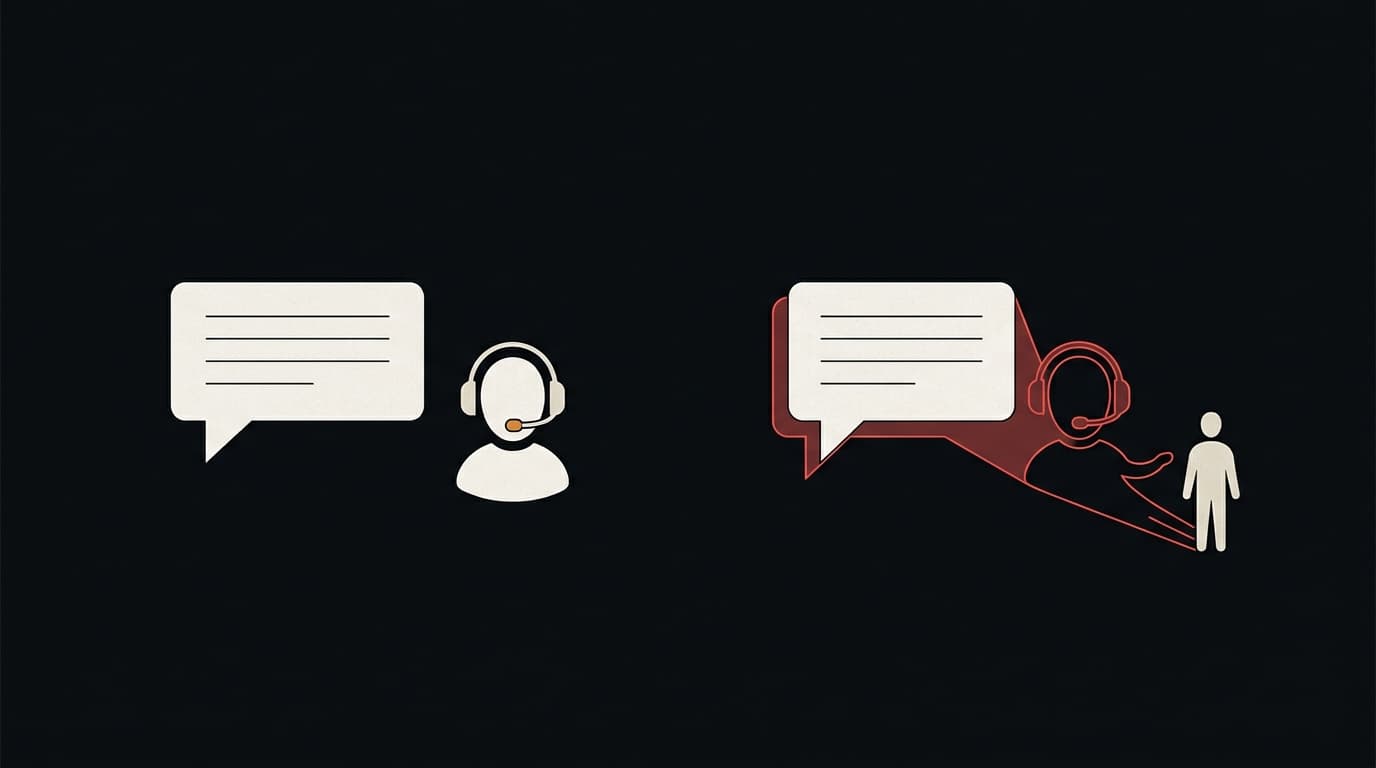
Counterfeits steal sales. Fake support accounts steal from your customers directly, and the customer usually blames you.
The scam is simple. A customer has a problem with an order and complains about it in public, often by tagging your brand on social media. Within minutes an account with your logo and a name like "YourBrand Support" or "YourBrand Help Desk" replies, says sorry, and asks the customer to continue in a direct message, on a messaging app or on a "support form". What happens next depends on what the impersonator wants.
What the impersonator is after
- Payment details. A "refund" or "replacement shipping fee" that needs a card number, or a payment link to a page the impersonator controls.
- Account credentials. A link to a "verification" page that copies your login screen. This overlaps with brand phishing pages; the support account is only the delivery route.
- One-time codes. The customer is asked to read back a code "to confirm their identity". The code is really the second factor for the customer's own account somewhere else.
- Direct payment. A request to pay for a "priority resolution" with a method that can't be reversed.
In each case the impersonator relies on two things: the customer already has a real problem, and the customer reached out first, so a reply feels expected rather than suspicious.
Why brands are slow to notice
Fake support accounts tend to stay invisible to the brand for a while:
- They reply in threads your social team may never open: replies to customers, not posts on your own profile.
- Their profile names and handles are built to look right at a glance and to slip past a search for your exact handle: an extra word, an underscore, a swapped letter.
- Some are deleted after a few days and replaced, so by the time a customer reports one, it may be gone.
Often the first sign is a support ticket from a customer who's angry about a refund they "already discussed with your team".
How to find them
You don't need special tools to start. Set aside half an hour and check:
- Replies to your mentions. Go through recent public complaints that tag your brand and look at every account that replied. Anything using your name or logo that isn't one of your accounts is a finding.
- Handle and display-name variants. Search each platform for your brand name combined with support, help, care, service, official, team, and with common separators (underscore, dot, no space). Display names on many platforms don't have to be unique, so search those as well as handles.
- Your logo. A reverse image search on your logo and your support avatar turns up profiles that reuse them.
- Linked domains. Look at the link in each suspect account's bio or messages. It often points to a newly registered lookalike domain, which is a separate finding with its own fix (see lookalike domains).
Write down what you find: profile URL, handle, display name, the date you saw it, and screenshots of the profile and of any reply to a customer. Accounts disappear and platforms want specifics. The evidence file covers the details.
How to get them removed
Every major social platform bans impersonation and has a reporting process for it. The forms and their names change, so check each platform's current help centre. The general shape is consistent:
| What to report | Route that usually fits | What you will typically need |
|---|---|---|
| Account pretending to be your company | Platform's impersonation report | Link to the fake account, link to your real account, proof you represent the company |
| Account using your registered logo or name | Platform's trademark report | Trademark registration details and the account link |
| Account posting your copyrighted images | Platform's copyright report | The original images and where they first appeared |
| Link to a phishing or payment page | Platform report and the host/registrar of the linked domain | The linked URL and a screenshot of the page |
Some practical points:
- Report from the brand's own verified account where the platform allows it. Reports that clearly come from the impersonated party tend to be taken more seriously than reports from bystanders.
- Report the destination as well as the account. Removing a profile while the phishing page it linked to stays up only means the next fake account uses the same link.
- Keep the report IDs. Fake support accounts get recreated, and showing a pattern helps the next report.
Make the real account easy to recognise
You can't stop people creating fake accounts, but you can make your real ones easier to tell apart.
- Get verified wherever the platform offers verification to organisations.
- Say plainly how you'll contact customers. One sentence in your bio and on your help page: "We will never ask for your password, card number or a one-time code in a DM." Then stick to it, including in your own support process.
- Reply in public first. If your real team always replies publicly before moving to DMs, a fake that goes straight to DMs looks out of place.
- Use one support handle per platform, and list them on your website. Customers can then check a handle against that list.
- Tell your support team what to look for. A customer who mentions a refund that nobody on your team arranged is a lead. Ask for the account name and add it to the list.
When a customer has already been hurt
Some customers will lose money before you find the account. You owe them a fast, plain response:
- Tell them you didn't contact them and say which account did.
- Point them to their bank or card issuer to dispute the payment, and to change any password they entered.
- Report the account and the linked page straight away, and keep the evidence.
- Consider posting a short public note if several customers were targeted. It costs little and helps the customers who haven't written in yet.
This is a customer-care issue as much as a brand-protection one. How you handle these conversations decides whether the customer blames the scammer or you.
Make it a routine
Impersonation accounts come and go faster than most counterfeit listings, so a single clean-up pass doesn't last. Fold the checks above into whatever routine you already have for finding counterfeits and lookalike domains. The same weekly pass can cover all three, because the three often lead to each other: a fake support account links to a lookalike domain, and the lookalike domain sells counterfeits.
See what's already out there. A free Defenex scan looks for impersonation, lookalike domains, phishing pages and counterfeit listings that use your brand, and quotes the page text behind every finding. No account needed; it takes about 90 seconds.