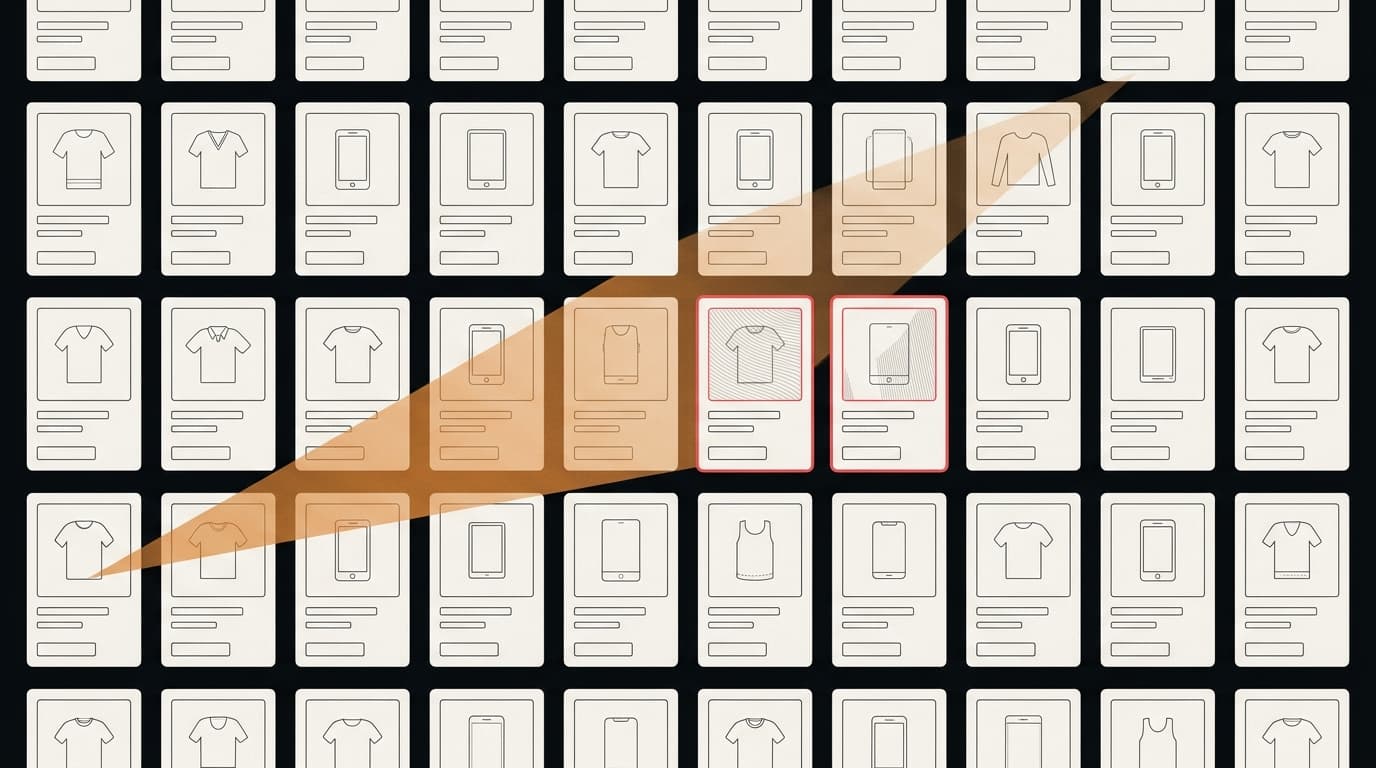
Most brands find out about counterfeits from a customer. Someone emails support about a product that broke in a week, or arrived without the usual packaging, and when you ask for the order number it isn't one of yours.
By then the listing has been live for a while. This article is about finding it first. Everything below can be done by one person with a browser and an afternoon. It won't be exhaustive, but it will tell you whether you have a problem, and roughly how big.
Before you search: write down what "yours" looks like
The hardest part of a counterfeit search isn't finding listings. It's deciding which ones aren't yours. Before you start, make a short list:
- Your official domains, including regional ones and any old campaign domains.
- Your official marketplace storefronts — the exact seller names on Amazon, eBay, Etsy or wherever you sell.
- Authorized resellers and distributors, with their domains and seller names.
- Your official social accounts, including support handles.
- Your retail price floor. If the cheapest legitimate price for your product is $80, a new-in-box listing at $19 is worth a closer look.
Without this list you'll spend most of your time re-discovering your own distributors. That's the most common false positive in brand protection, and the most embarrassing one to send to a lawyer.
Step 1: search engines, with operators
Start with Google, because that's where your customers start. Plain searches for your brand name mostly return your own pages, so use operators to strip them out:
"yourbrand" -site:yourbrand.com
"yourbrand" replica
"yourbrand" wholesale
"yourbrand" cheap outlet
"yourbrand" 1:1
The words that matter are the ones counterfeit sellers use to describe their own stock: replica, AAA, 1:1, mirror quality, factory direct, wholesale, OEM. Try each with your brand and your best-selling product names.
Then look at the shopping results and the ads, not just the organic links. A shopping carousel showing your product from a store you've never heard of, at a third of your price, is a live commercial offer — more urgent than a blog post that mentions you. Ads bidding on your brand name are a separate signal worth noting.
Repeat a few of the searches with a different country set in Google's settings or a different regional Google domain. Counterfeit storefronts often target one market and are invisible from another.
Step 2: the marketplaces directly
Search engines index marketplaces unevenly. Go to each one and search inside it.
| Where | What to search | What to look for |
|---|---|---|
| Amazon | Brand name, product names, model numbers | Sellers not on your list; "new" condition far below retail |
| eBay | Same, sorted by lowest price | Bulk lots; sellers shipping many units from one location |
| Etsy | Brand name + "inspired", product names | Your logo on handmade items; listings using your photos |
| AliExpress, DHgate, Alibaba | Brand name, "replica" + category | Wholesale quantities; your product photos with a different seller |
| Walmart Marketplace, Temu, Shein | Brand and product names | Same signals as Amazon |
Two shortcuts help:
- Reverse image search your product photos. Counterfeit sellers rarely shoot their own. Google Lens or Bing Visual Search on your main product image will often turn up the listing faster than a text search does.
- Search your model numbers and SKUs. They're specific enough that almost every result is relevant.
Step 3: domains
Counterfeit stores frequently run on their own domains, and the names tend to
follow patterns: your brand plus outlet, sale, store, official, or a
country code. Search for those combinations directly, and check whether
yourbrand-outlet.com and similar names actually resolve.
Lookalike domains deserve their own process — misspellings, swapped characters, other top-level domains. We cover that in Lookalike domains: how typosquatting works.
Step 4: social
Search Instagram, Facebook, TikTok and X for your brand name and obvious
variants (yourbrand_official, yourbrand.support, yourbrandoutlet). You're
looking for two different things:
- Shops: accounts selling your product, often with a link out to a store or a "DM to order" line.
- Impersonators: accounts posing as you, particularly as customer support. These target people who complained about you publicly. See Fake customer support accounts.
Also check Facebook's Ad Library for your brand name. Ads run by pages that aren't yours, using your product images, are a common way counterfeit stores get traffic.
Step 5: decide what each result actually is
For every result you keep, open the page and ask three questions:
- Is something being sold, or just mentioned? Reviews, news, comparisons and forum posts are not infringement. Leave them alone.
- Is the seller on your authorized list? If yes, it's not a finding — even if the price is odd.
- What specifically on the page makes you think it's a fake? Write that down as a direct quote: "Replica — same as original, 1:1 quality", or a price, or a seller location.
The third question is the one that matters. If you can't point to specific text or images on the page, you have a suspicion, not a finding, and no platform will act on a suspicion. It's also the habit that keeps you from accusing a legitimate reseller.
Sort what's left into rough buckets: counterfeits, lookalike domains, phishing, impersonation, and genuine goods sold through channels you didn't approve. They go through different enforcement routes, and the last one often isn't an infringement at all.
Step 6: capture it before you act
Listings disappear — sometimes because the seller rotates them, sometimes because they notice you looking. Before you report anything, take a full-page screenshot with the URL and date visible, save the page, and note the seller name. If you send a report and the listing comes back under a new name, this is what lets you show it's the same operation.
We go through exactly what to capture in The evidence file.
Then what
Once you have a short list of solid findings, each platform has its own reporting route, and they differ more than you'd expect. Start with Reporting counterfeits on Amazon, eBay, Etsy and AliExpress.
The limits of doing this by hand
A manual search is a snapshot. It tells you what's live this afternoon, from the searches you thought of, in the markets you checked. Three things it does badly:
- Coverage. Search engines return a limited number of results per query, and you'll run a few dozen queries at most. Infringement in long-tail results or other markets stays invisible.
- Repetition. Counterfeit sellers relist. The search you did in March tells you nothing about April — more on that in Why counterfeiters relist.
- Triage time. Most of the afternoon goes on opening pages and deciding they're fine.
None of that means you shouldn't do it. Doing it once by hand is the best way to understand what you're dealing with, and whether it's worth paying for help.
Run the same search automatically
Defenex runs this playbook for you: search engines with operators, shopping and ad results, marketplaces, lookalike domains and social, then fetches each page and quotes the text that justifies every finding. If it can't quote it, it doesn't report it. Scan your brand — it's free, needs no account, and takes about 90 seconds.